
Education
Estate Management Software: What I Use to Run Homes, and What to Look For
Alec Lister6 min read
The right software turns a home's history into something anyone can look up. Here is the platform I use every day, what to look for in any of them, and the alternatives worth knowing.
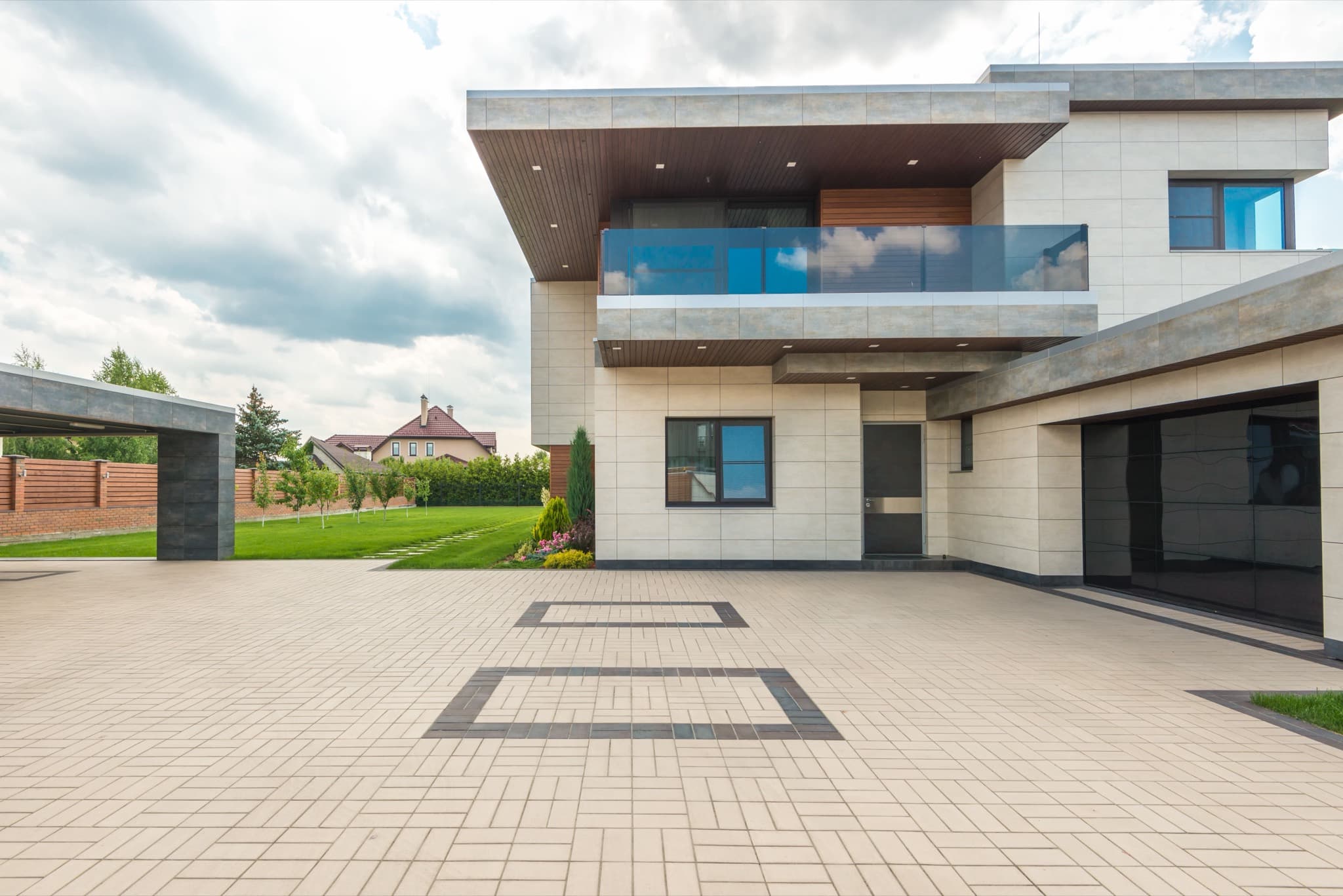
Estate management software keeps a home's whole operating record in one place: its systems and warranties, the vendors who service it, the maintenance schedule, the tasks in progress, and the documents that go with all of it. The platform I use every day is Nines, and it is the one I would recommend to most owners, estate managers, and family offices looking after one or more high-value homes.
In Summary: Good estate management software holds one record per home, tracks every task with its schedule, vendor, and status, controls what staff and vendors can see, and keeps documents searchable. Nines does all of that and is built for private households, which is why I use it. EstateSpace suits large estates and family offices that also track art, vehicles, and other assets. HomeZada and Centriq are lighter tools for owners who manage their own home.
What the Software Actually Does
A high-value home runs on a lot of information. Every HVAC unit has a make, model, serial number, install date, and service history. Every vendor has a contact, a scope, and a record of past work. The shut-off valves, the alarm codes, the pool chemistry log, the generator service dates, the dock permit. In most homes, that information lives in a drawer, an email inbox, and someone's memory.
Estate management software gives it one home. The best platforms combine a household manual (how the house works and where everything is), an asset list, a task and project tracker with reminders, a vendor and staff directory with permissions, a shared calendar, and a searchable document store. For a family with several homes, they hold all of them in one account.
The practical result is continuity. When a house manager changes jobs, a vendor retires, or an owner wants to know when the roof was last inspected, the answer is on the record. For a single home, an Estate Manual captures the same record as a printed manual with a searchable digital copy.
Why I Run Homes on Nines
Nines is built for private households rather than rental portfolios or commercial buildings. Its users include families and family offices, estate and house managers, and fractional estate managers like me, and it handles several properties under one account.
Every task I handle for a home goes into Nines with its schedule, the vendor doing the work, and its status. Owners can open the app and see what was done this week and what is coming up, without asking. The household manual and asset records mean the knowledge of how a house works belongs to the house, not to whoever happens to be looking after it.
Here is a small example of how that plays out. An owner in another state gets a question from their insurer about the age of the roof and the date of the last inspection. They open the app on a Tuesday afternoon, find the roof in the asset list with its install year, and see the inspection logged in March with the roofer's report attached. The whole exchange takes five minutes, and nobody had to dig through old emails.
Security matters when a platform holds alarm codes and access details. Nines states that it is SOC 2 Type II certified, runs on Amazon Web Services, and uses multi-factor authentication. Memberships are annual with a one-time onboarding fee, and for owners who want help getting started, implementation can be done on site. That is the work Alerion's co-founders do.
What to Look For in Any Platform
If you are comparing options, these are the questions that matter most.
- Is it built for homes? Tools designed for rental portfolios or office buildings miss things a private home needs, such as a household manual, staff scheduling, and guest arrivals.
- Does every task keep its history? You want the schedule, the vendor, the status, and the notes on each item, so the record builds itself over time.
- Can you control who sees what? Staff, vendors, and family members need different levels of access, and alarm codes should not be visible to everyone.
- Does it handle more than one property? Even owners with one home today often add a second.
- Is it secure? Look for an independent security certification such as SOC 2, and multi-factor sign-in.
- Is there help setting it up? The value comes from the record, and building a good record takes time. On-site implementation makes a real difference for larger homes.
Other Options, and Who They Suit
EstateSpace is aimed at complex estates, multiple properties, and family offices, and it tracks physical assets such as art, vehicles, and yachts alongside the homes. It suits an operation with a team of staff and a wide asset base to account for.
HomeZada is built for homeowners who manage their own home. It covers a home inventory for insurance, a maintenance schedule, remodeling projects, and home finances. It suits an owner who wants to keep their own records rather than hand the work to someone else.
Centriq organizes the manuals, warranties, and recall notices for a home's appliances and systems, often from a single photo of the product. It is a helpful companion to any of the above.
A shared spreadsheet also works for a single, simple home. It becomes hard to keep current as soon as more than one person is involved, and the history tends to leave with whoever kept it.
If you would like your home run this way, with the record kept for you, tell me about the property. If you are still deciding if you need an estate manager at all, what a fractional estate manager does is a good place to start, and who can manage the upkeep of a Lake Norman home sorts the local options.
A Few Questions People Ask
What is estate management software? It is a platform that keeps a home's operating record in one place: systems, assets, vendors, staff, maintenance schedules, tasks, and documents. Estate managers, family offices, and owners use it to run one or more homes and keep the history when people change.
Is Nines only for very large estates? No. Nines is built for private households, from a family with one home to a family office with several, and for fractional estate managers who look after homes part time. The household manual and task history are useful at any size.
Do I need software if I already have an estate manager? Your estate manager should be using a platform like this, and you should have access to it. It lets you see the status of your home without asking, and it keeps the record yours if you ever change managers.
Who can set up Nines for me? Nines offers onboarding, and on-site implementation is available for owners who want it. Alerion Estate Management, where I work, is Nines' primary implementation partner, and its co-founders travel to clients' homes to set up accounts. When I look after a home, its record and every task live in Nines.